
Example
How to plan an accessibility remediation wave without treating every issue as the same
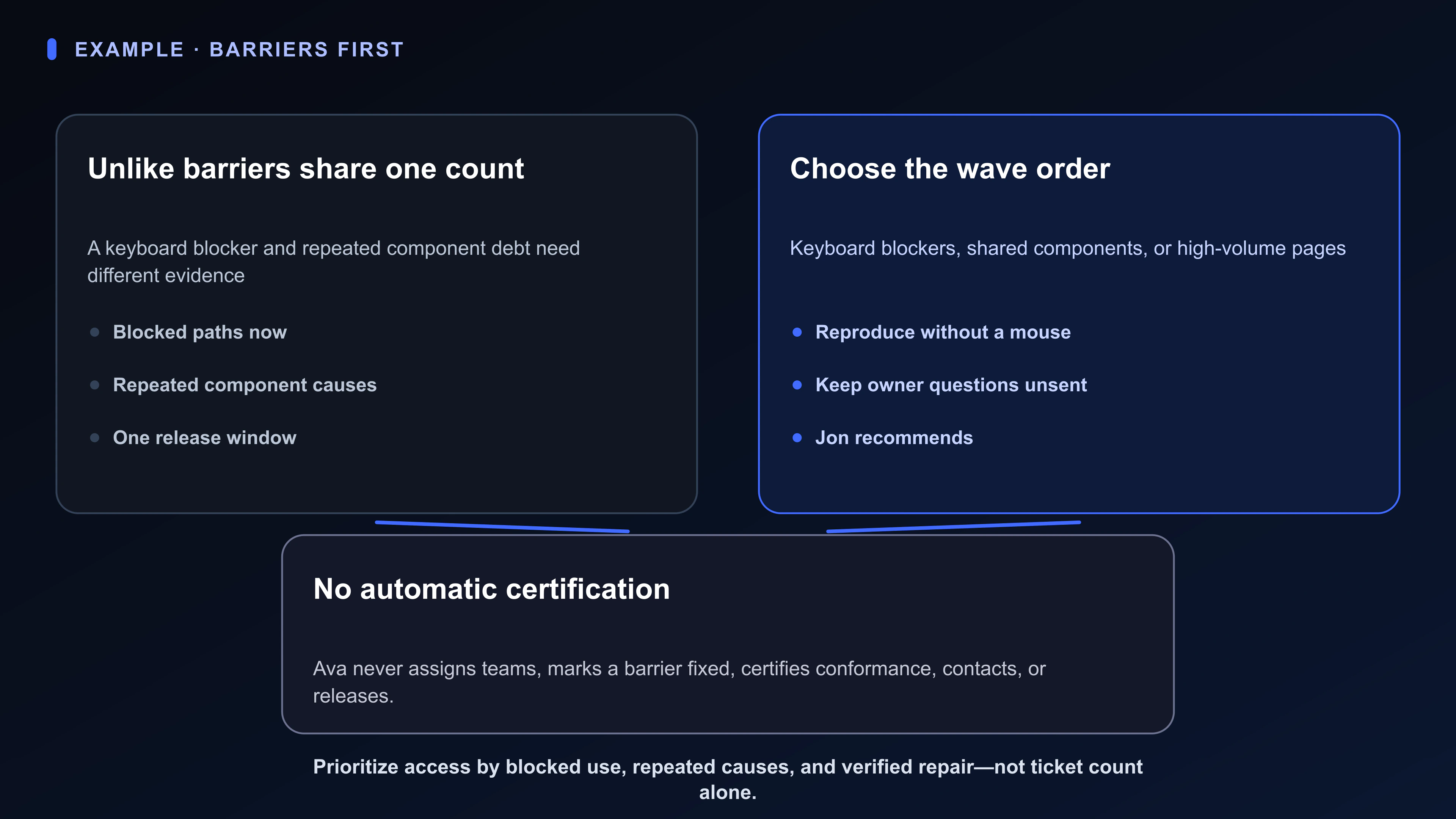
Jon’s audit count makes unlike problems look equal even though one keyboard blocker prevents use now and one shared component can repeat a defect across many pages. He must start with blockers, reusable component repairs, or the highest-volume page set without calling the chosen wave conformance.
Remove the most consequential barriers now while creating reusable fixes for defects that repeat
Blocked use, repeated causes, and the one release window the remediation wave must respect
Keep blocked use, repeated causes, and one release window as the remediation promise
Constrain the remediation order to the release the teams actually have
Keyboard-blocker, shared-component, and highest-volume-page paths Jon can compare
Compare keyboard blockers, shared-component repairs, and the highest-volume page set
Reproduce every blocking path without a mouse before ranking it
Keyboard failures, repeated component debt, missing names, contrast failures, and page reach
Hold the audit's keyboard blockers as direct user-impact evidence
Map reproduced failures to the shared components that can prevent recurrence
Separate repeated component defects from isolated page polish
Keep unlabeled controls visible as a distinct user barrier
Show where a reusable repair could prevent repeated failures
Name the reach evidence behind the page-volume option
Team-owner questions Jon still controls until he sends them after choosing the wave
Keep team-owner questions as unsent drafts until Jon chooses the wave
The Accessible release Board keeps the access promise, fixes, audit evidence, unsent owner questions, and genuinely verified work distinct.
Open Keyboard blockers, shared components, or highest-volume pages as the Room with the Remediation-order brief and every blocking path reproduced without a mouse.
Ava can compare visible audit evidence but cannot certify, assign teams, or mark barriers fixed. Jon, product teams, disabled users, and qualified reviewers retain release and conformance authority.
An issue count is not a wave if a keyboard blocker and a repeated component are treated as equal tickets
What belongs together is specific: Remove the most consequential barriers now while creating reusable fixes for defects that repeat.
The consequential judgment remains human: Whether the wave starts with keyboard blockers, shared component repairs, or the highest-volume page set.
You.one can keep the work, evidence, and “Start with keyboard blockers, shared component repairs, or the highest-volume page set” decision visible through its Superboard view. Authority does not move to the software: Jon owns the remediation recommendation, shared-component work he controls, and verification method. Each product team owns its release permission and local fixes.
What changes after an audit issue list
An audit issue list can be enough while the situation stays simple: the release has no blocked keyboard path and repeated component defects already have verified reusable fixes.
It starts to break when keyboard blockers and shared-component debt must inform the same remediation-order choice.
The Accessible release Board earns its place only when the familiar tool—an audit issue list—can no longer keep the reason, Remediation-order brief, conversation, current state, decision, and history connected.
Available today
A focused Accessible release Board
The Accessible release Board gives this mission one durable operating picture. Jon can use familiar language instead of translating the situation into project-management jargon. Its four Lists separate the kinds of attention this situation actually requires.
The point is a fast scan: what is moving, what is known, what is unresolved, and what Jon must choose. Questions not yet asked stay with Jon; they do not move to a list for outside replies.
Swipe or scroll sideways to see every column.
| List | What belongs here |
|---|---|
| Access promise | Blocked use, repeated causes, and the one release window the remediation wave must respect |
| Fix next | Keyboard-blocker, shared-component, and highest-volume-page paths Jon can compare |
| Audit evidence | Keyboard failures, repeated component debt, missing names, contrast failures, and page reach |
| Questions to send | Team-owner questions Jon still controls until he sends them after choosing the wave |
Available today
Inside the “Start with keyboard blockers, shared component repairs, or the highest-volume page set” Room
Opening the Card gives the visible item durable depth. Stage can hold Remediation-order brief: Place user impact, repeated cause, release risk, ownership, and verification method together. Live choice: Whether the wave starts with keyboard blockers, shared component repairs, or the highest-volume page set. Chat keeps the request and response beside that artifact instead of in a detached thread. Notifications can bring this update forward: “Open decision: Jon will decide whether the wave starts with keyboard blockers, shared component repairs, or the highest-volume page set.”
A Card Chat request can ask Ava to prepare the specific comparison or extraction in “Start with keyboard blockers, shared component repairs, or the highest-volume page set” from the visible evidence. Ava can work from the context Jon deliberately brings into this Card, List, or Board; she cannot monitor the rest of life, contact anyone, or inherit the decision.
Jon's call remains explicit: Jon owns the remediation recommendation, shared-component work he controls, and verification method. Each product team owns its release permission and local fixes.
Swipe or scroll sideways to see every column.
| Surface | Job in this example |
|---|---|
| Stage | Remediation-order brief: Place user impact, repeated cause, release risk, ownership, and verification method together. Live choice: Whether the wave starts with keyboard blockers, shared component repairs, or the highest-volume page set |
| Chat | Keep Jon's request and Ava's attributed response with the work |
| Notifications | Open decision: Jon will decide whether the wave starts with keyboard blockers, shared component repairs, or the highest-volume page set |
What Ava can prepare from visible context
These requests stay with the facts Jon has made visible around “Start with keyboard blockers, shared component repairs, or the highest-volume page set.” Jon supplies the evidence, checks Ava's work, and decides what belongs in the Room.
Current Ava can prepare help after an explicit request. She cannot make the choice, represent Jon, watch other work on her own, or contact anyone.
Jon owns the remediation recommendation, shared-component work he controls, and verification method. Each product team owns its release permission and local fixes. Ava cannot assign those teams or mark barriers verified.
A wave ordered by blockers, shared components, or high-volume pages—not one issue count.
- Request idea: using only this Card Room, compare starting with keyboard blockers, shared component repairs, and the highest-volume page set. Cite only notes visible in this Room. Do not assign teams, mark barriers verified, contact anyone, or choose for me.
- Request idea: use only the Remediation-order brief and notes the Owner has placed in this Card Room to separate facts, assumptions, and unanswered questions
- Request idea: from “Start with keyboard blockers, shared component repairs, or the highest-volume page set,” draft a short decision note and name Jon as the decider
A starter shape, not a prescribed workflow
Jon should rename every List or Card that feels artificial. This recipe succeeds when “Start with keyboard blockers, shared component repairs, or the highest-volume page set” becomes easier to decide and fewer open loops depend on memory—not when the Board looks tidy.
Swipe or scroll sideways to see every column.
| Step | Action |
|---|---|
| 1. Write the access promise | Put blocked use, repeated causes, and one release window on Access promise |
| 2. Separate the audit evidence | Card keyboard blockers, component debt, missing names, and high-volume pages on Audit evidence |
| 3. Keep owner questions unsent | Draft team-owner questions on Questions to send |
| 4. Reproduce blocked paths | Use only a keyboard and put the work on Fix next |
| 5. Choose the wave | Open Start with keyboard blockers, shared component repairs, or the highest-volume page set |
Where this example stops
- This is a fictional example, not a customer story.
- This fictional example is not a conformance certification or legal opinion; disabled users and qualified reviewers remain essential to the work.
- It does not show Ava completing external actions or contacting anyone for Jon.
- It does not report a measured result, and this Board is a starting shape to adapt—not a universal prescription.