
Example
How to back up a digital life without confusing a folder named Backup with a restore test
June has three drives, a full phone, a cloud folder, and no tested restore. Buying another drive would feel productive; the consequential choice is what to copy or test first and whether the laptop purchase waits.
Get one tested restore of photos and tax PDFs before the laptop is replaced, and treat the clicking drive as dying rather than as a third copy
Tested restore before the new laptop
Keep the laptop replacement beside the untested Backup labels
Phone, laptop, clicking drive
Name a dying disk so it is not counted as a healthy copy
Hold a source that is one drop away from loss
What actually exists where
Mark a label that has never been restored from
Restores done on purpose and purchase timing June still controls
Compare copy-off-clicking, restore-test-cloud, and delay-purchase
Keep a purchase June still controls from outrunning a tested copy
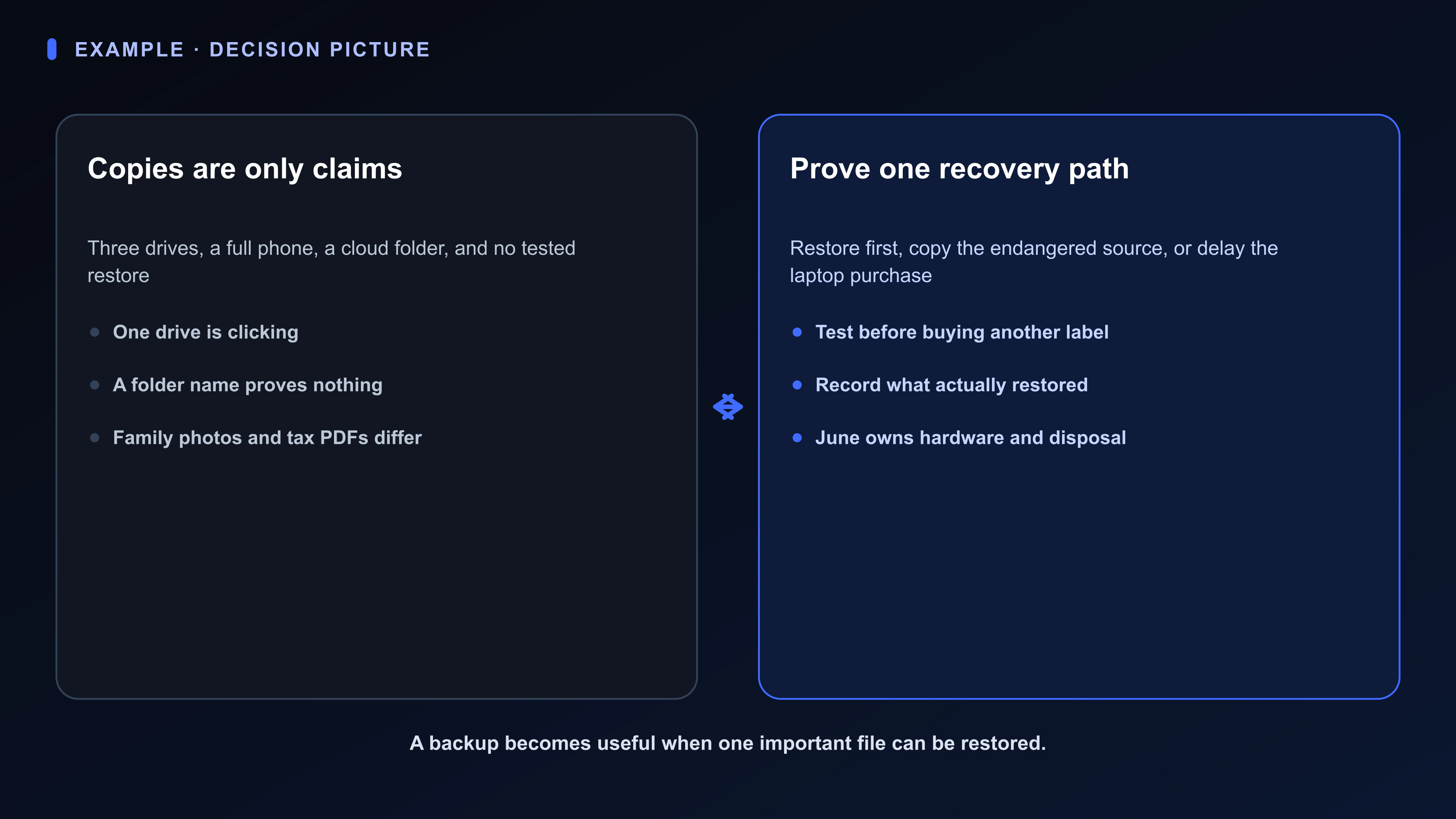
The Backup that restores Board separates sources, claimed copies, and tests so another device cannot masquerade as evidence of recovery.
The restore-path Room keeps the clicking drive, cloud copy, full phone, laptop timing, and three next paths together.
Ava can compare the inventory June provides. June runs the restore, decides what to copy, buys any hardware, and owns disposal of old drives.
A drive labeled Backup is not a restore, and a clicking disk is a clock
This Board has one job: Get one tested restore of photos and tax PDFs before the laptop is replaced, and treat the clicking drive as dying rather than as a third copy.
The decision still belongs to June: Whether to copy off the clicking drive first, restore-test the cloud copy first, or delay the laptop purchase until one restore has worked.
You.one can keep the work, evidence, and “Choose clicking drive, cloud test, or delay laptop” decision visible through its Superboard view. Authority does not move to the software: June chooses copies, runs the restore test, and owns purchases and any shredding of old drives.
Available today
Backup that restores: one place for the mission
The Backup that restores Board gives this mission one durable operating picture. June can use familiar language instead of translating the situation into project-management jargon. Its four Lists separate the kinds of attention this situation actually requires.
The Board is not a master task list. It keeps the live choice, the facts that could change it, and any reply or outside event already in motion visible without pretending every uncertainty is work in progress.
Swipe or scroll sideways to see every column.
| List | What belongs here |
|---|---|
| Mission | Tested restore before the new laptop |
| Sources | Phone, laptop, clicking drive |
| Copies | What actually exists where |
| Tests | Restores done on purpose and purchase timing June still controls |
Available today
Cards that sound like the real work
These Card titles come directly from June's situation: “Choose clicking drive, cloud test, or delay laptop” is the live choice, “Drive that clicks” holds evidence, and “Folder named Backup” is still work June controls—not something already awaiting another person. The point is recognition, not a perfect taxonomy.
Swipe or scroll sideways to see every column.
| Card | List | Job |
|---|---|---|
| A restore that has been tried | Mission | Keep the laptop replacement beside the untested Backup labels |
| Choose clicking drive, cloud test, or delay laptop | Tests | Compare copy-off-clicking, restore-test-cloud, and delay-purchase |
| Drive that clicks | Sources | Name a dying disk so it is not counted as a healthy copy |
| Phone full of photos | Sources | Hold a source that is one drop away from loss |
| Folder named Backup | Copies | Mark a label that has never been restored from |
| Laptop replacement next month | Tests | Keep a purchase June still controls from outrunning a tested copy |
Available today
Keep the evidence with “Choose clicking drive, cloud test, or delay laptop”
Opening the Card gives the visible item durable depth. Stage can hold Restore-path brief: Place clicking drive, untested folder, laptop date, and copy / test-cloud / delay options on one page. Chat keeps the request and response beside that artifact instead of in a detached thread. Notifications can bring this update forward: “Open decision: June will choose a path that produces a restore, not another unlabeled drive.”
A Card Chat request can ask Ava to prepare the specific comparison or extraction in “Choose clicking drive, cloud test, or delay laptop” from the visible evidence. Ava can work from the context June deliberately brings into this Card, List, or Board; she cannot monitor the rest of life, contact anyone, or inherit the decision.
June's call remains explicit: June chooses copies, runs the restore test, and owns purchases and any shredding of old drives.
Swipe or scroll sideways to see every column.
| Surface | Job in this example |
|---|---|
| Stage | Restore-path brief: Place clicking drive, untested folder, laptop date, and copy / test-cloud / delay options on one page |
| Chat | Keep June's request and Ava's attributed response with the work |
| Notifications | Open decision: June will choose a path that produces a restore, not another unlabeled drive |
Start small and rename what feels artificial
June should rename every List or Card that feels artificial. This recipe succeeds when “Choose clicking drive, cloud test, or delay laptop” becomes easier to decide and fewer open loops depend on memory—not when the Board looks tidy.
Swipe or scroll sideways to see every column.
| Step | Action |
|---|---|
| 1. Treat the clicking drive as dying | Name the urgent source before counting copies |
| 2. Stop counting labels as copies | Backup is a word |
| 3. Put the laptop date on the Board | A clock |
| 4. Schedule a restore test | On purpose, one file |
| 5. Choose clicking drive, cloud test, or delay laptop | Open a Room before buying another untested drive |
A drawer of drives labeled Backup can remain part of the system
A drawer of drives labeled Backup can be enough while the situation stays simple: a restore has already been proven.
It starts to break when a clicking disk, a full phone, and a new laptop share an untested folder name.
The Backup that restores Board earns its place only when the familiar tool—a drawer of drives labeled Backup—can no longer keep the reason, Restore-path brief, conversation, current state, decision, and history connected.
Where this example stops
- This is a fictional example, not a customer story.
- This is not data-recovery, security, or tax-records advice.
- It does not show Ava copying files, buying drives, or guaranteeing a restore.
- It is not a measured backup result.